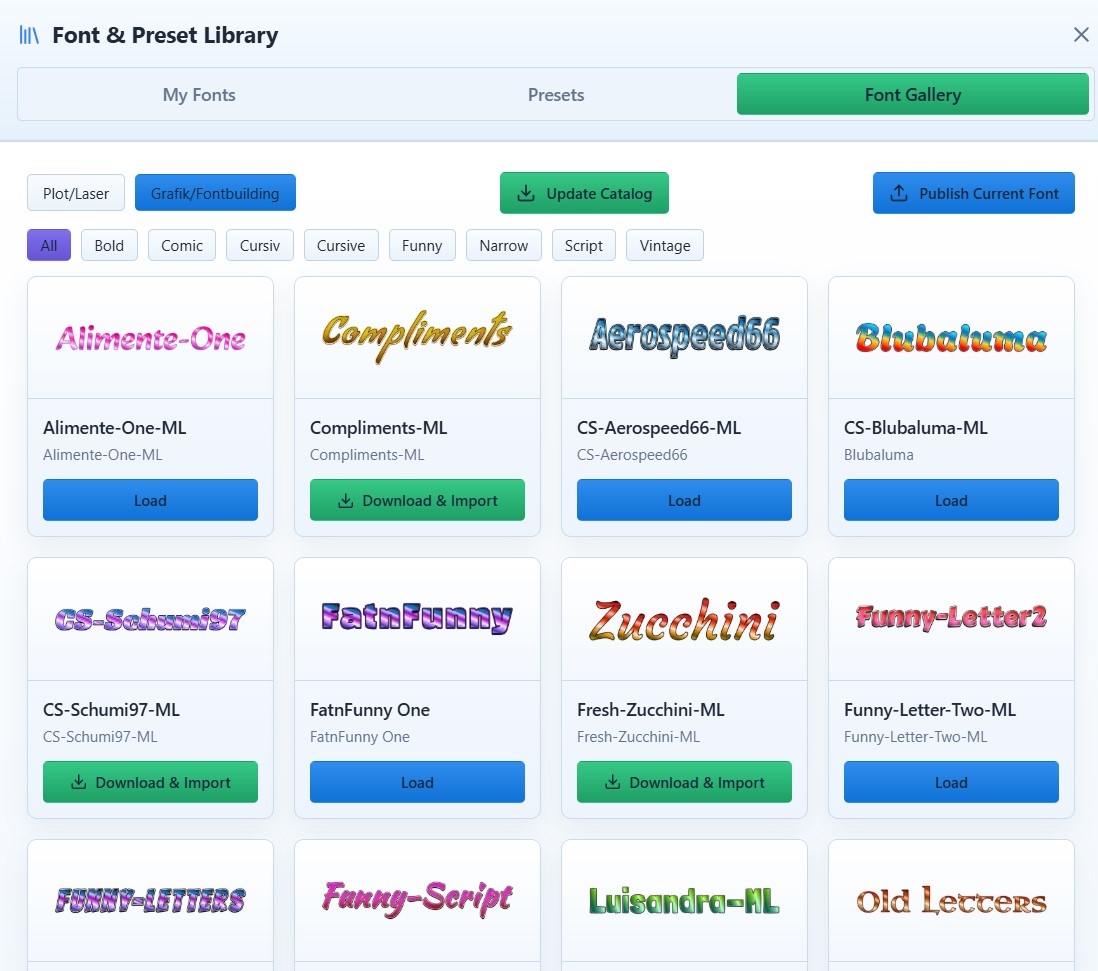
ColrStudio turns layered typography into production-ready output.
A browser-based engine for two workflows: COLRv1 fonts → clean SVG exports for plot and laser, and base fonts → layered COLRv1 variants using templates and presets.
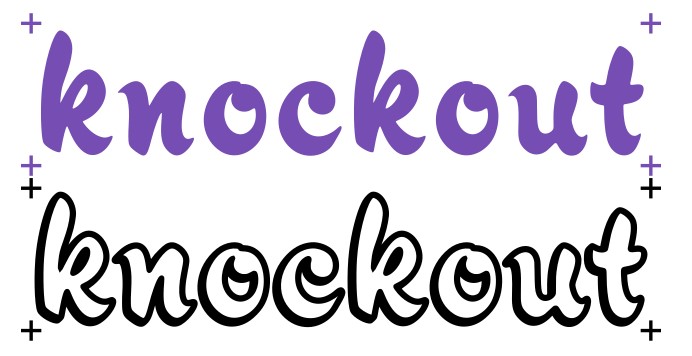
Export structured SVG layers with real-world dimensions (mm/cm/inch) and optional registration marks. Ideal for Cricut Design Space, Silhouette Studio or Brother CanvasWorkspace.
Build repeatable COLRv1 Font variants from provided templates: layers, outlines, effects, presets.
One Font Package — nearly endless possibilities.

Why this exists
Most typography workflows fail at the exact moment where a font is expected to behave like production geometry.
Fonts are designed as single-layer shapes. As soon as outlines, shadows or multi-color variants are needed, those layers have to be constructed manually — usually after export.
Outlines are added after the fact, breaking kerning and spacing.
Layer geometry no longer matches perfectly, causing misalignment in plot and laser workflows.
Bounding boxes change unexpectedly, forcing manual resizing and repositioning.
Variants turn into one-off files instead of a reproducible system.
This problem does not stop at SVG export.
When fonts themselves are extended with colors, gradients or effects, those decisions are typically baked into separate files or handled inconsistently across tools. Visual variants drift apart, color systems become fragile, and reproduction depends on manual discipline rather than structure.
SVG can represent layers, and COLRv1 can represent layered fonts — but most workflows arrive there too late, after typography decisions have already been flattened or destroyed.
ColrStudio exists to move these decisions back to the typography stage. Layers, spacing, color systems, variants and exports are defined before production begins — making both SVG output and font-based workflows structured, repeatable and predictable.
One system. Two production workflows.
ColrStudio is built around a simple idea: Typography should work both as a font system and as a production-ready graphic output.
From COLRv1 Font to SVG
Use layered COLRv1 fonts as your source and export clean, structured SVGs for plot, laser and production workflows.
From Base Font to COLRv1 Variants
Start with provided COLRv1 templates and build structured variants using layers, presets and controlled effects.


From COLRv1 font to production-ready SVG — without cleanup
ColrStudio turns layered typography into SVG files that behave predictably in cutter and laser software such as Cricut Design Space, Silhouette Studio or Brother CanvasWorkspace.
Instead of fixing spacing, alignment and layers after import, everything is prepared at the typography level.
What this means in practice:
- align_center
Perfectly aligned layers
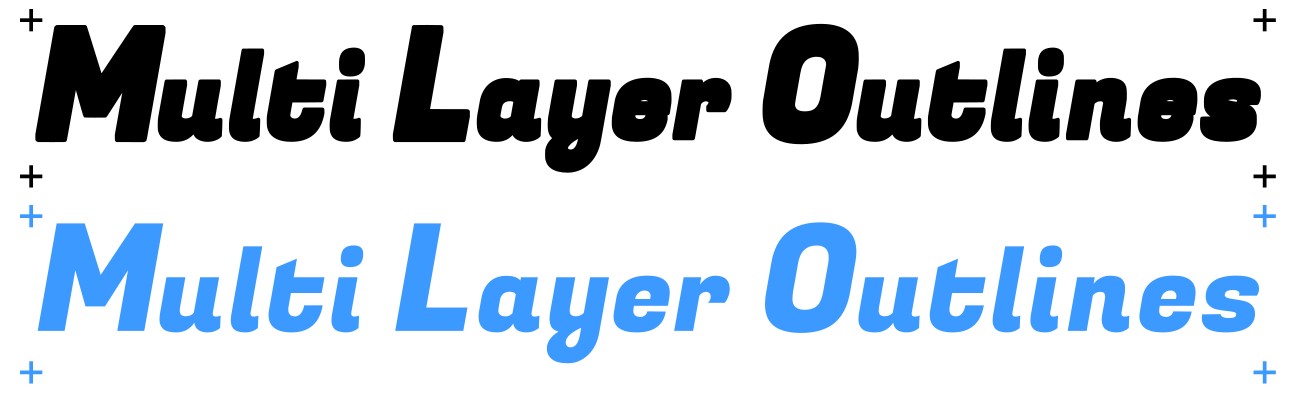
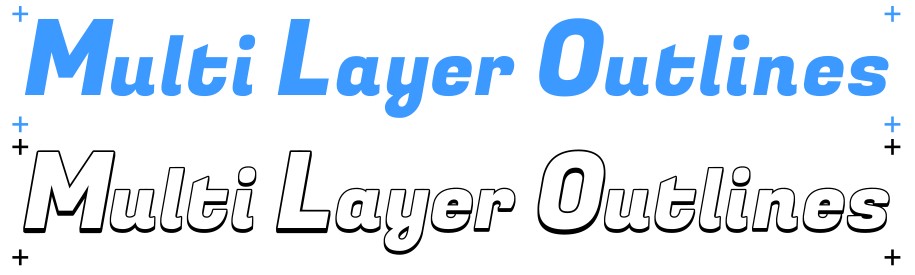
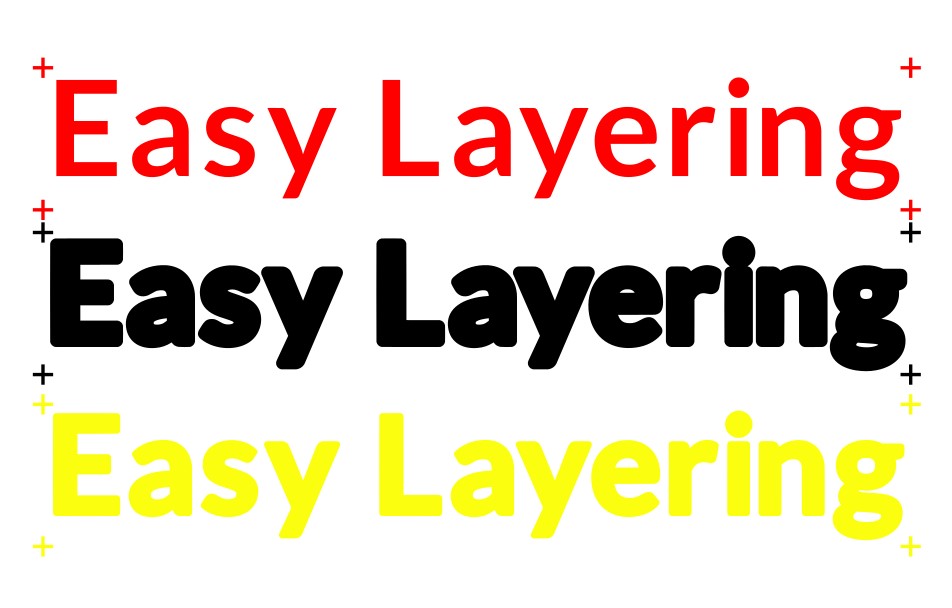
All SVG layers are generated from the same font geometry and sit 100% on top of each other — no manual nudging or re-alignment in the cut software.
- unfold_more
Kerning that already works
Fonts are pre-kerned specifically for production (such as outlines or 3D effects). Letter and word spacing can be further adjusted directly in ColrStudio, so text doesn't need manual correction after import in your cutting software.
- target
Registration marks on every layer
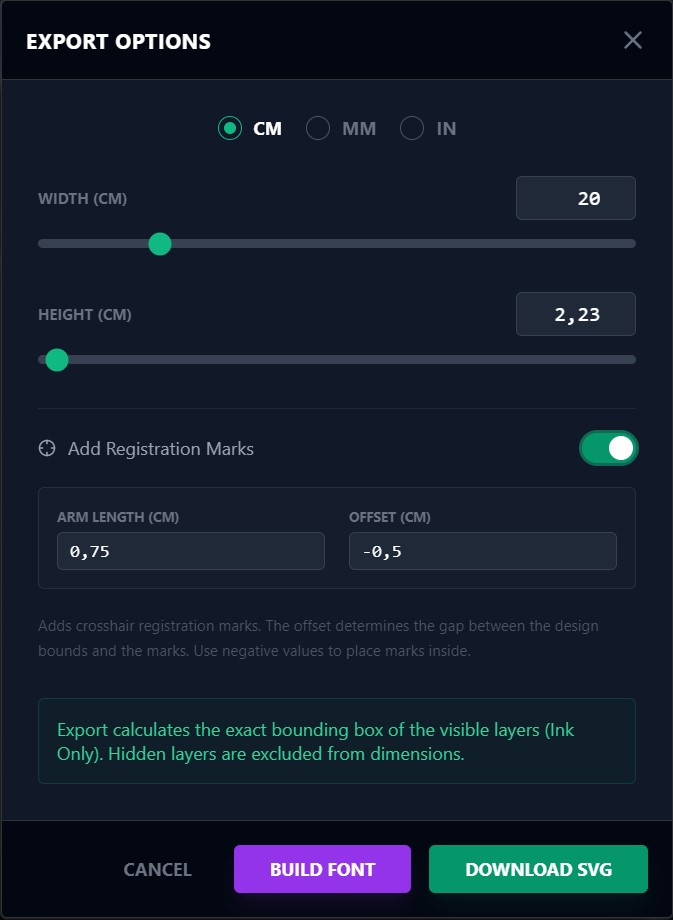
Optional registration marks are included consistently across all layers, enabling reliable multi-color alignment and repeatable production.
- tune
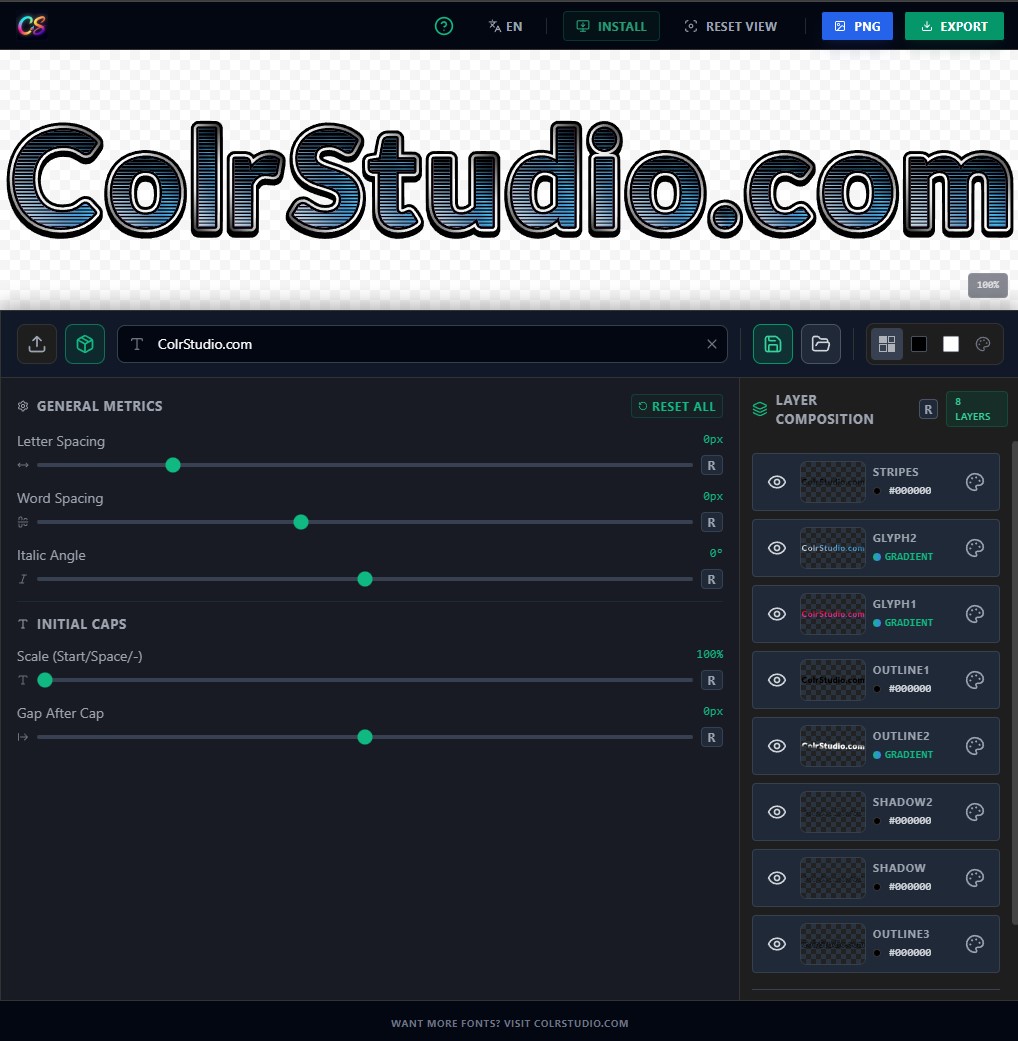
Typography adjustments before export
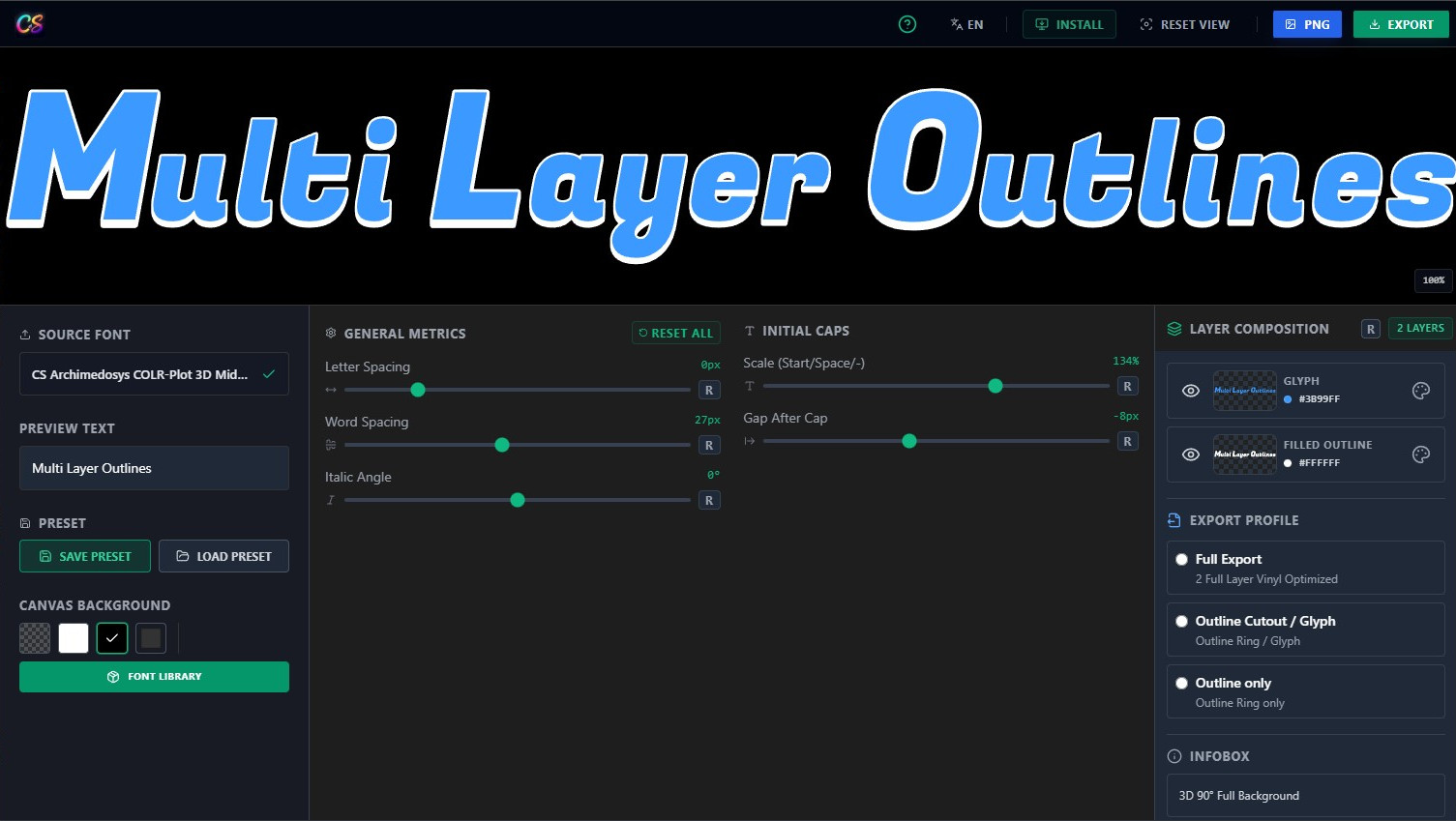
Initial caps size, letter spacing, word spacing and similar text parameters are adjusted directly in the app — not destructively in the SVG.
- precision_manufacturing
SVGs built for cutters, not illustration tools
The exported SVG structure is clean, layered and dimensionally exact, so cutter software behaves as expected instead of guessing intent.
The result
SVG files that can be imported, sized and cut — without fixing typography in the cutting software first.
Export Result Examples
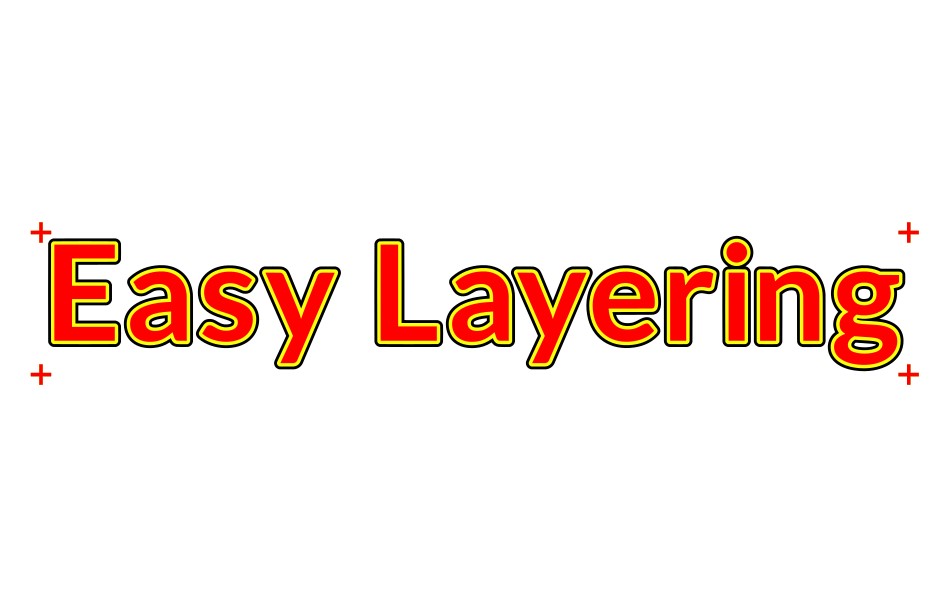
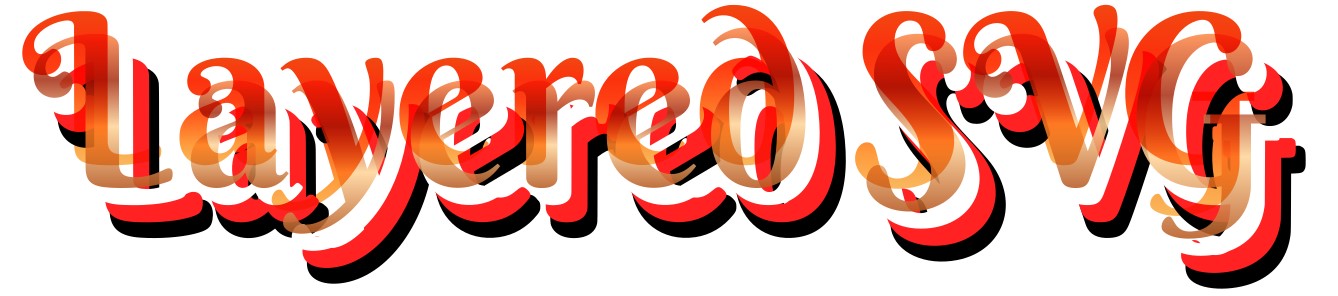
Clean, layered SVG geometry that respects your typography decisions and units — ready for immediate production.


From base font to layered COLRv1 variants
Traditional font workflows treat variants as separate files. Colors, outlines, shadows and effects are usually baked into individual exports — making consistency hard and reproduction almost impossible.
ColrStudio approaches font building as a layered system instead of a collection of static files. In ColrStudio, layers define the font, not the other way around.
The core: Reproducible font-building
Colors, alpha values, gradients and layer structure are defined once, then applied consistently across the entire character set.
- rebase_edit
Reproducible variants
Layer structure, colors, gradients and transparency are part of the font definition — not manually recreated per export or per glyph.
- gradient
Controlled color & gradient systems
Solid colors, alpha layers and gradients are handled as first-class assets, not decorative effects that break as soon as the font is reused.
- account_tree
One system, multiple outputs
The same layered font can be used directly in Photoshop, Illustrator and other COLRv1-compatible tools — without rebuilding variants. Chrome, Edge, Firefox and Opera come with full ColrV1 support.
- branding_watermark
Designed for branding workflows
A single font definition can represent a complete visual identity: base, outline, filled, gradient and effect variants stay visually consistent.


Live COLRv1 Typography Experience
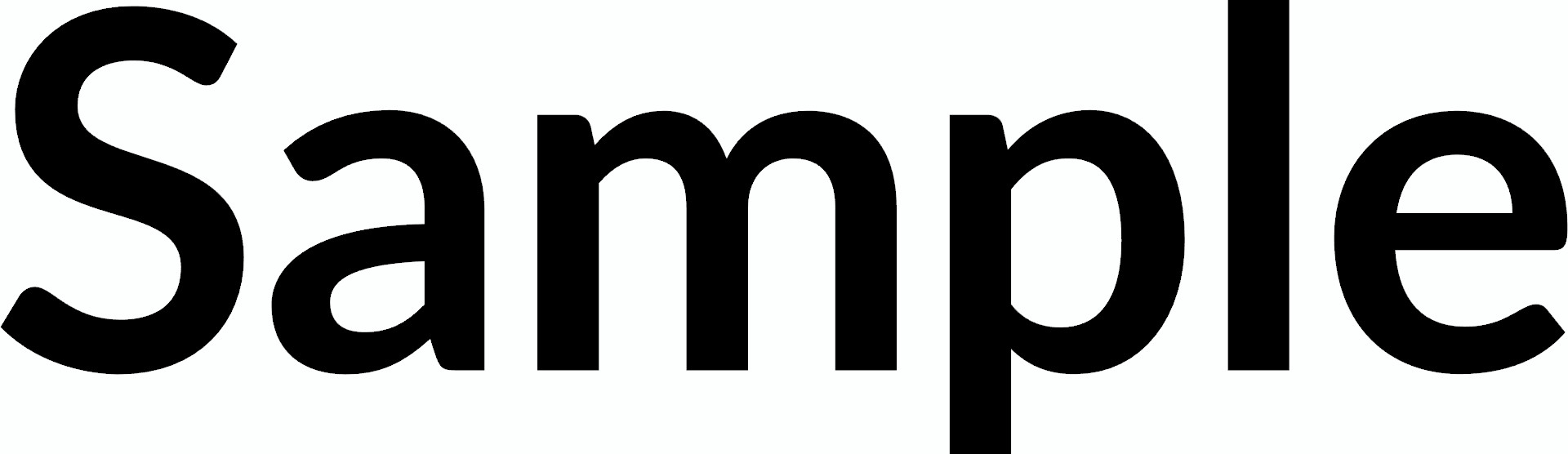
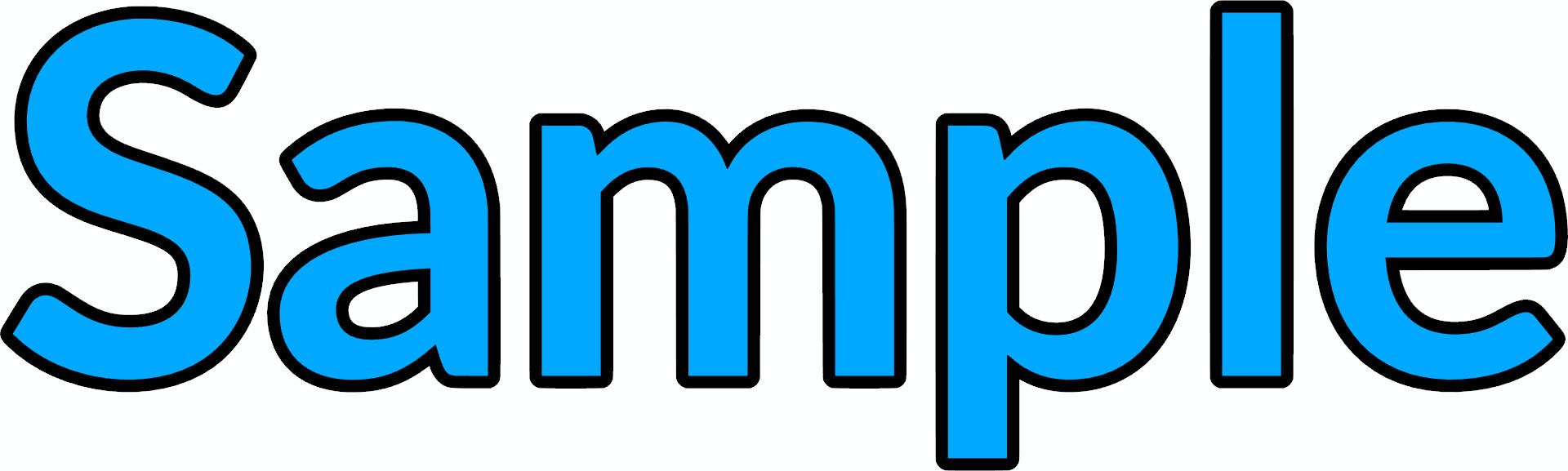
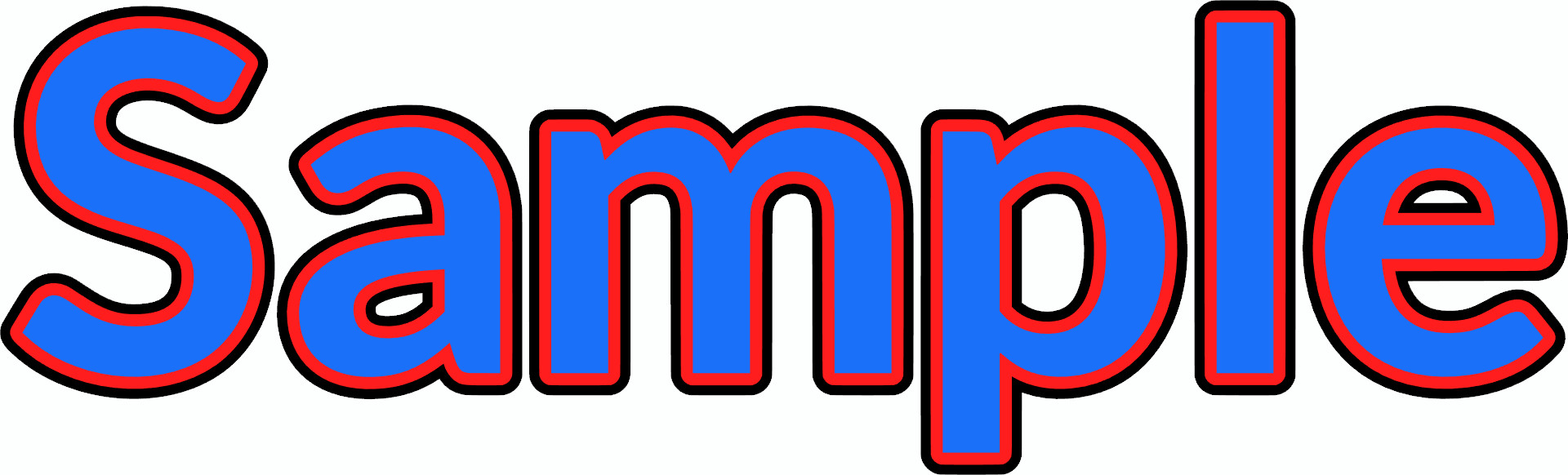
Every pixel rendered below is part of a single layered font file.
Fallbacks without COLRv1 software
Not every workflow relies on COLRv1-capable design tools — and that’s fine. For environments without Photoshop, Illustrator or other COLRv1 support, ColrStudio exports the same layered designs as:
Positioning
One controlled font system — usable as a font where possible, and as layered SVG or PNG output where required.
Presets are assets, not decorations.
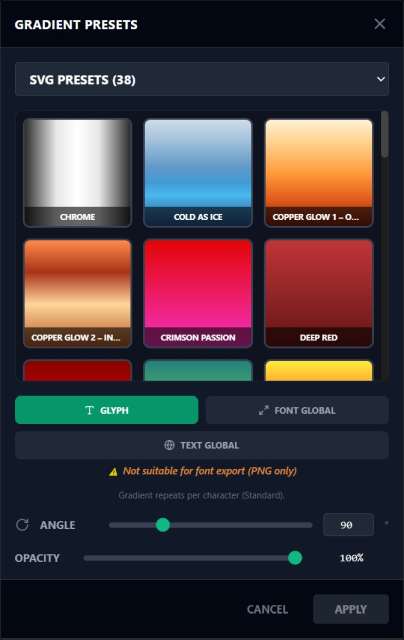
Traditional workflows treat colors and gradients as ad-hoc decorations. In ColrStudio, gradients and layer presets are treated as a reusable library — consistent across fonts and projects.
- check_circleChoose from gradient presets and keep results consistent
- check_circleCreate your own gradients and save them as reusable presets
- check_circleBackup & restore for fonts and gradients keeps your library portable


Exports that match the workflow.
ColrStudio separates font design, font building and font usage into clearly defined stages. This ensures that font generation remains controlled and reproducible.
0Generation 0 (Gen0) — Base Fonts
Gen0 fonts are the original base fonts sold for ColrStudio or explicitly included as demo fonts. They serve as the authoritative source for all derived variants.
- verified_userContain the full internal logic required for font building
- verified_userDefine glyph geometry, kerning, spacing and layer relationships
- verified_userOnly Gen0 fonts can be used to build new layered COLRv1 fonts
1Generation 1 (Gen1) — Derived Fonts
Gen1 fonts are generated outputs created from a Gen0 font using selected layers, gradients and presets. They are production-ready COLRv1 fonts.
This architecture prevents uncontrolled font chaining while keeping results fully usable in apps like Illustrator or Photoshop.
- auto_awesomeContain resolved layers, colors, gradients and effects
- auto_awesomeReady-to-use COLRv1 fonts for compatible applications
- auto_awesomeDo not contain font-building logic (cannot generate further fonts)
SVG & PNG Export from Gen0 & Gen1
All Gen1 fonts can be exported as high-fidelity production assets.
SVG Output
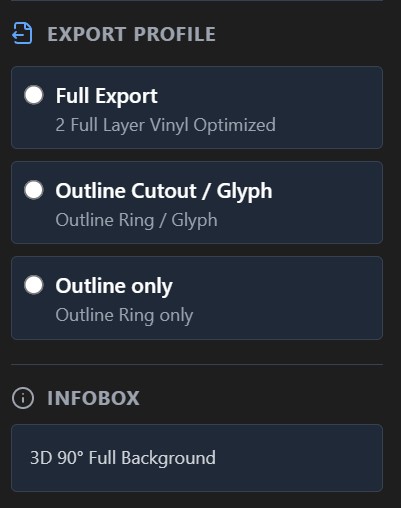
SVG exports are structured with explicit layers, designed for production and downstream tools like Cricut or Silhouette.
- schemaLayer-separated SVGEach font layer is exported as its own SVG layer — no manual regrouping required.
- schemaPhysical sizingDimensions are calculated from geometry, producing stable results in cm / mm / inch.
- schemaRegistration marksAlignment marks can be included per export to support multi-layer assembly.
- schemaClean vectorsOptimized for cutting: no overlaps, no duplicated paths, no decorative artifacts.
PNG Output
PNG exports provide a stable, resolution-defined visual representation that matches the appearance of COLRv1 renders.
- image4K resolutionHigh-quality previews suitable for web, product listings, and mockups.
- imageConsistent renderingAll font variants use identical layer, gradient and spacing logic.
- imageAlpha transparencyTransparency is retained where applicable for flexible compositing.
- imageTool-independentCan be used and shared without font installation or COLRv1 support.
Why this matters
Traditional workflows blur the line between source, variant and output. ColrStudio enforces a clear structure: Gen0 defines the system, Gen1 represents a resolved result, and SVG/PNG are final production assets.
Typography remains predictable, reproducible and safe for downstream use — without manual cleanup.
Licensing Overview
ColrStudio distinguishes clearly between demo fonts, commercial base fonts, and generated outputs, keeping licensing boundaries explicit and predictable.
Demo Fonts (OFL)
The fonts included for testing and demonstration purposes are licensed under the SIL Open Font License (OFL).
- check_circleCan be used freely for testing, evaluation and experimentation
- check_circleMay be used as Gen0 fonts to build layered fonts inside ColrStudio
- check_circleResulting SVG and PNG exports can be used without restriction
- check_circleIntended solely to demonstrate the full workflow and capabilities
Demo fonts follow the terms of the OFL and may not be redistributed outside those terms.
Commercial Base Fonts (Gen0)
Commercially available ColrStudio fonts are sold as licensed Gen0 base fonts.
- check_circleGrant the right to build derived COLRv1 fonts within ColrStudio
- check_circleServe as the source for creating Gen1 fonts and production assets
- check_circleLicensing applies to the base font file itself, not to exported graphics
- check_circleNo Subscription. Lifetime License for the Gen0 Font
- check_circleThe base font may not be redistributed, shared or resold
The base font may not be redistributed, shared or resold outside the scope of its license.
Derived Fonts (Gen1)
Gen1 fonts are resolved COLRv1 fonts generated from a licensed Gen0 font.
- check_circleCan be used in compatible applications (e.g. Illustrator, Photoshop)
- check_circleAre intended for personal and commercial use in design workflows
- check_circleMay not be redistributed, shared or sold as font files
- check_circleGen1 fonts exist to enable usage, not redistribution
Gen1 fonts exist to enable usage, not redistribution.
SVG & PNG Exports
All SVG and PNG exports generated from licensed fonts are final production assets.
- check_circleMay be used freely in commercial and non-commercial contexts
- check_circleSuitable for branding, plotting, laser cutting, and manufacturing
- check_circleNo attribution or additional licensing is required
- check_circleColrStudio does not impose restrictions on exported graphics
ColrStudio does not impose restrictions on exported graphics.
Download Demo Fonts
Get your hands on these demo packages. Each includes more than 20 variations for COLRV1-Fontbuilding, Vinyl and Heat Transfer Plot and colorful PNG and SVG Exports. Perfect for testing the Colrstudio App. Each File contains a PDF Catalog with previews and descriptions.
Planned Content
Upcoming Commercial Font Sets
Commercial ColrStudio font sets are currently in production. They are designed specifically for the ColrStudio engine, with a focus on precision, consistency and long-term usability.
Each set is built as a system, not as a collection of isolated styles.
What these sets include
Design intent
Each set is intended to support long-term workflows, whether for branding, production, plot/laser output or layered font creation.
Why this structure exists
This separation ensures clear licensing boundaries, protection of font intellectual property, and free, unrestricted use of production outputs.